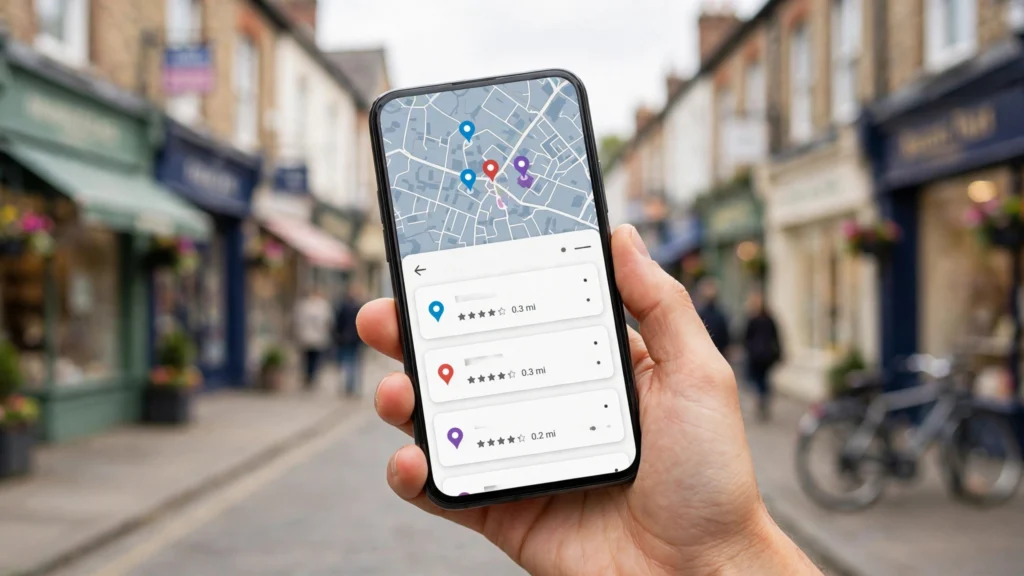
If you serve customers in a specific area, your Google Business Profile (GBP) is often more important than your website. It is what appears in the Map Pack, the block of three local businesses at the top of many searches. Use this checklist to make sure yours is working as hard as it can. If your business is not on Google Maps yet, work through our guide on how to get your business on Google Maps first, then come back to this checklist.
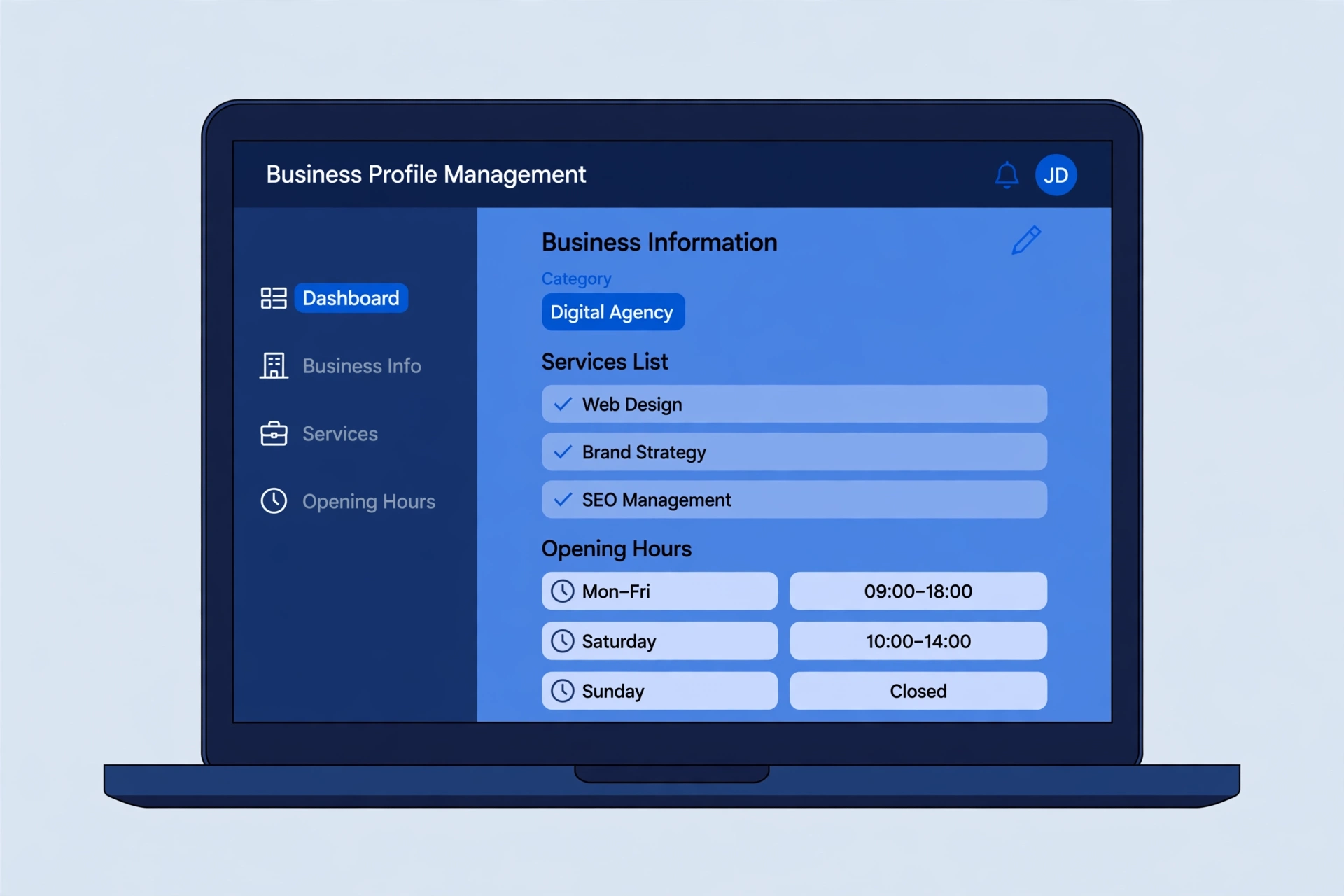
Get the basics exactly right
Your name, address and phone number — often called your NAP details — are the foundation of the whole profile. Google compares them with your website and other listings; mismatches make you look less trustworthy.
- Business name: use your real trading name — the name on your sign, van or invoices. Do not add keywords, services or your town (for example, “Best Plumber Leeds”). Google treats that as spam and it is a common reason profiles get suspended.
- Address: if customers visit your premises, show your real address. If you travel to customers instead, as most trades do, hide the address and set service areas instead, naming the towns you cover.
- Phone: pick one number and use it everywhere — profile, website, directories, social pages. A local number you actually answer is ideal. Avoid call-tracking numbers; they create a second version of your details.
The essentials
- Primary category: choose the most specific category that describes your main service. This is one of the strongest local ranking factors.
- Secondary categories: add others that genuinely apply, but do not stuff in irrelevant ones.
- Services and products: list every service with a short description.
- Business description: explain what you do, who you help and where, in natural language.
- Service areas or address: make sure these match reality and your website.
- Hours: keep them accurate, including holiday hours.
Categories, services and attributes: the detail that matters
The essentials above cover what to fill in; here is how to do it well.
Choose categories like a customer
Your primary category should describe what your business is, not everything it does — “Plumber”, not “Bathroom renovation”. It carries the most weight, so choose carefully. Look at who appears in the Map Pack for your main search: if they share a primary category, that is a strong hint.
List services properly
Add each service individually rather than hiding them in your description. Use Google’s suggested names when they appear as you type; add your own for anything missing. One or two plain sentences per service — what it involves and who it is for — is plenty. Prices are optional.
Do not skip attributes
Attributes are the small labels on your profile — wheelchair access, appointments, payment methods, online estimates. They vary by category: open the full list and set every one that applies.
Photos that actually help
Profiles with real, current photos look alive; profiles with none look abandoned. You do not need a photographer — a recent phone in good light is fine. Shoot what customers actually use to decide:
- The outside of your premises or your van, so people recognise you on arrival
- Your team doing real work, not stock-style posing
- Finished jobs, close up and in daylight
- The inside of your shop, salon or office, so visitors know what to expect
Delete blurry, dark or out-of-date shots — an old shopfront or last year’s branding confuses people. Add a few new photos each month rather than fifty at once, and set your best wide shot as your cover photo. You do not need to add location data to photos; Google ignores it.
Keep it active
- Upload real photos of your work, team and premises every month.
- Publish a post or offer every week.
- Answer questions in the Q&A section before someone else does.
Posts and questions: small effort, steady visibility
Two features are easy to overlook: Google posts and the Questions & answers section.
Use posts like a noticeboard
Posts let you put a short update — an offer, an event or a simple “what’s new” — straight onto your profile, with a button like “Call now” or “Learn more”. Keep one live at a time and refresh it when it ends; an expired offer makes the business look neglected. One clear message, one action — like a shop-window card.
Stay on top of questions
Anyone can ask a question on your profile — and anyone can answer it, including people who get it wrong. Turn on notifications, and answer new questions yourself, briefly and accurately. You can also add the questions customers ask most often, with your own answers, so the basics are already covered. Give the best answer a “like”: the answer with the most likes is shown first.
Reviews: quality and consistency
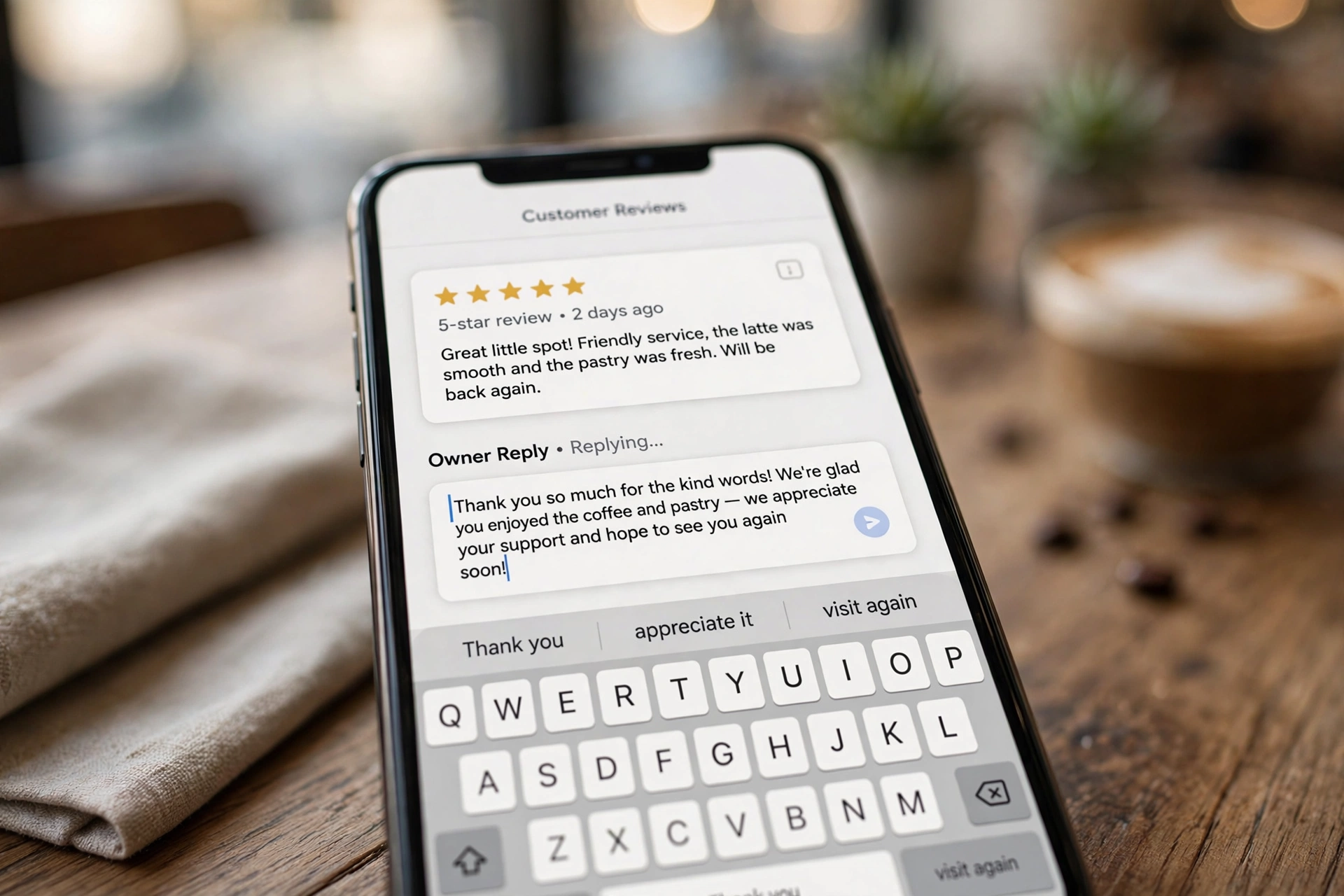
Ask every happy customer for a review, make it easy with a direct link, and reply to every review, positive or negative. Never buy or incentivise fake reviews: it breaks Google’s policies and can get your profile suspended.
Reviews: asking well, replying properly, surviving a bad one
Ask at the right moment
The best time is straight after a job has gone well. Ask in person first, then follow up once with a message containing your review link — Google provides a short link and QR code in your dashboard. Never offer anything in exchange, and never ask staff or family to post reviews.
Reply to every review
Replies show future customers how you treat people. For a good review, thank the customer by name and mention the job. For a poor one, stay calm: acknowledge the problem, apologise where fair, and invite them to contact you directly to put it right. Never argue in public — your reply is written for the next hundred readers, not for the reviewer.
If a review is fake
If a review is fake, abusive or about the wrong business, flag it with Google and explain why. Google will not remove a genuine bad opinion; a steady flow of real reviews is the best answer to one unfair one.
Match your website
Your business name, address and phone number should be identical on your website, your profile and major directories. Create a page on your website for each main service and area you cover, and link your profile to the most relevant page.
Once your profile and website details match, run your site through our free AI SEO audit to check the pages your profile sends customers to.
Common mistakes that get profiles suspended or ignored
Most profile problems are self-inflicted. The worst offenders:
- A keyword-stuffed business name, as covered above — the single biggest suspension trigger.
- A virtual office, coworking desk or PO box as the address. It must be a real place where your business operates — or no address shown at all if you visit customers.
- Duplicate profiles. Two listings for the same business split your reviews and confuse Google; get them merged rather than starting again.
- Big, sudden changes. Editing name, address and category all at once can trigger a re-verification check. Change one thing at a time, and keep proof handy — a bill or sign photo in the same name and address.
- Letting the basics rot. Christmas hours in February, a phone number that rings out, services stopped years ago. A ten-minute monthly check prevents all of it.
If you would rather not do this yourself, our local SEO and Google Business Profile service covers setup, cleanup and monthly upkeep.
Want us to audit your profile? Get in touch for a free Google Business Profile review.
2 comments