
You did a brilliant job. The customer said so — to your face, with feeling. Then they went home, and the review never appeared. Meanwhile, the competitor down the road has shelves of Google reviews and gets the call every time someone searches your trade. Sound familiar? You are not alone: most small business owners know reviews matter and have no reliable way of getting them. The good news is that getting more Google reviews is not about luck or begging — it is about a simple system you run on every job. This guide walks you through how to get more Google reviews, step by step, without breaking any of Google’s rules.
Why Google reviews matter more than you think
Two things happen when a potential customer searches for what you do. First, Google decides which businesses to show — and a healthy flow of recent, genuine reviews is one of the signals Google uses to judge which local businesses are active and trusted. Second, the customer decides who to contact — and when two businesses look similar, the one with more recent reviews wins the call. Reviews do both jobs at once: they help you get seen and they help you get chosen. That is why a steady trickle of fresh reviews each month is worth more than a big pile from three years ago.
The honest truth: customers won’t review you unless you ask
This is the part most owners resist. Happy customers rarely leave reviews on their own — not because they are ungrateful, but because it never crosses their mind. Life gets busy, the moment passes, and your great work fades into the background of their week. The businesses with hundreds of reviews are not necessarily better than you. They are just better at asking — consistently, at the right moment, in the easiest possible way. Everything below is about making that happen.
Your 8-step review system
1. Get your direct review link
Google gives every business a short link that opens the review form directly — no searching, no hunting for the right button. Find it in your Google Business Profile under “Ask for reviews” (it may say “Get more reviews” on some accounts). Copy it and save it somewhere you can reach in seconds: your phone’s notes app is perfect. This link is the single most important tool in this whole article. Every step below depends on it. If your profile itself needs work first, our Google Business Profile checklist covers every field worth completing.
2. Ask at the happy moment
Timing is everything. The best moment to ask is right after the customer has told you they are pleased — when the job is finished and they are looking at the result, when they have complimented your work, when they are smiling. For a tradesperson, that is as you are packing up, or a text that same evening. For a salon, clinic, or restaurant, it is right after the appointment or meal. Ask days later and the feeling has faded; ask in the moment and saying yes feels natural.
3. Say it in person first, then send the link
A quick spoken ask makes the follow-up text feel personal instead of automated. It does not need to be a speech — something like: “I’m really glad you’re happy with it. Reviews honestly make a huge difference for a small business like mine — would you mind if I text you a link? It takes about thirty seconds.” When they say yes, send the link straight away while you are still there, or within the hour.

4. Send a short, personal text
Most people will leave a review on their phone, so a text message with your link beats an email every time. Keep it short and personal — use their name, mention the job, and make the ask easy:
“Hi Sarah, thanks again for choosing us for the bathroom refit. If you have a minute, a quick Google review would really help a small local business like ours: [your link]. Thank you!”
That is it. No paragraphs, no pressure, no exclamation-mark overload. One message, one link, one thank-you.
5. Follow up once — only once
Some people mean to leave a review and forget. One gentle reminder a few days later is perfectly fine: “Hi Sarah, just a friendly nudge in case you have a moment for that review — no pressure at all, and thank you either way!” Then stop. A second reminder turns a favour into a nuisance, and annoyed customers do not leave five stars. One reminder is polite; two is pestering.
6. Make asking part of your premises and paperwork
Not every review comes from a direct ask. Put your review link or QR code where customers will see it: on invoices and receipts, on a small card you hand over with the job, on a sign near the till or in the waiting area, in your email signature, and on the thank-you page after an online booking. Google’s “Ask for reviews” screen gives you a QR code as well as a link — print it once and it works forever. The goal is simple: make leaving a review the easiest thing a happy customer can do.
7. Reply to every review
Google itself recommends responding to reviews, and it is easy to see why. A reply shows future customers that you are attentive and professional — and for negative reviews, your calm, gracious response often impresses readers more than the complaint put them off. Thank positive reviewers by name and mention something specific about their job. For negative ones: acknowledge the issue, do not argue, and invite them to continue the conversation privately. Aim to reply within a few days. A business that answers its reviews looks alive; one that ignores them looks indifferent.
8. Turn your reviews into more reviews
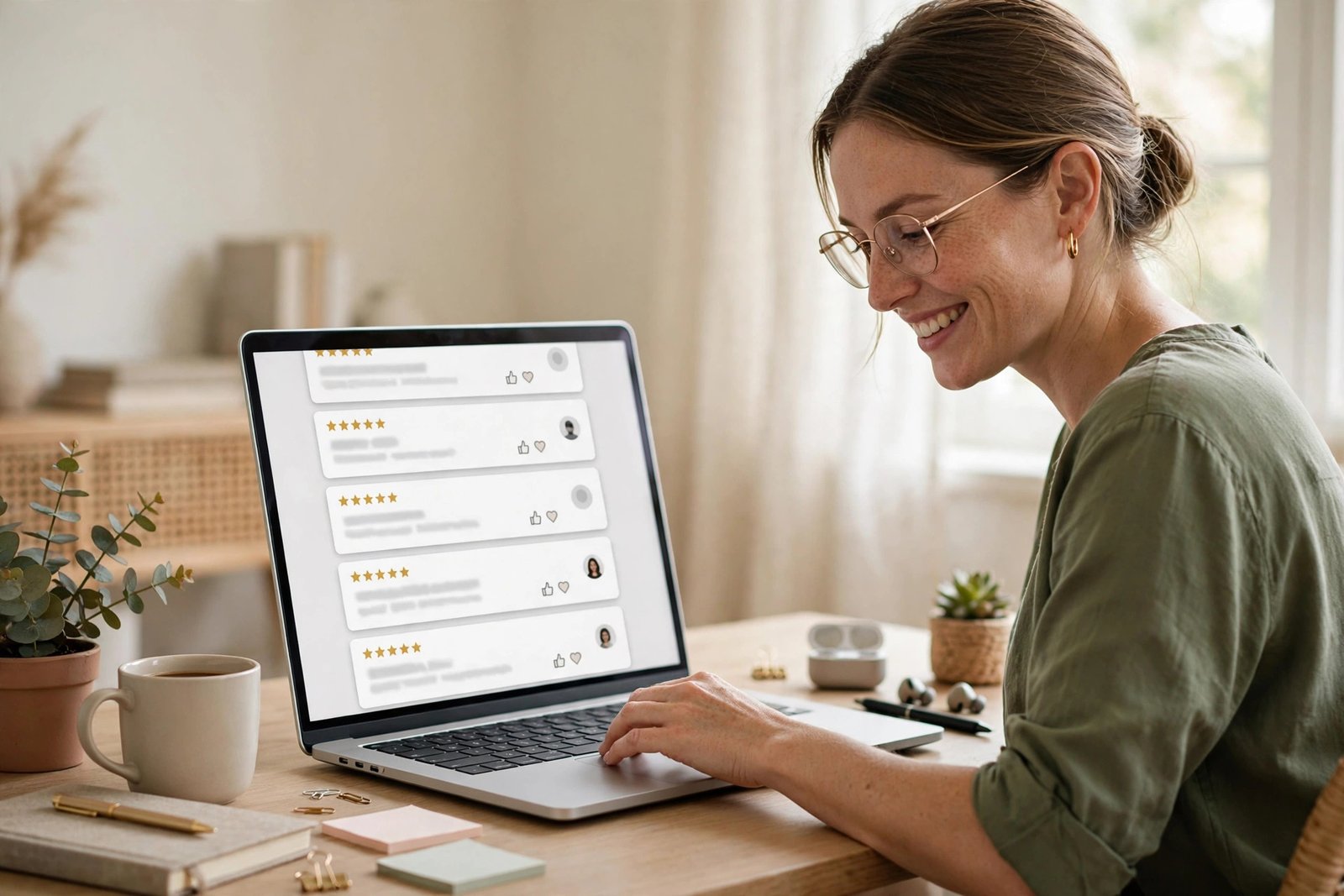
Your best reviews are marketing gold — use them. Feature a few on your website’s homepage, share them (with permission) on social media, and mention them in quotes and proposals: “Here’s what our customers say about us.” This does two things: it converts more of the visitors you already get, and it shows customers that you notice and value reviews — which makes the next customer more likely to leave one. A review culture feeds itself.
The rules you must not break
Getting reviews the wrong way can do real damage, so know the lines before you start:
Never offer incentives. No discounts, freebies, or prize draws in exchange for reviews. Google’s policies forbid it, and in the UK, fake or incentivised reviews can breach consumer protection law. It is not worth it.
Never buy reviews or write your own. Google detects and removes fake reviews, and getting caught can damage your profile’s standing. One genuine review beats ten fake ones.
Do not cherry-pick who you ask. Only asking customers you expect to be positive — known as “review gating” — breaks Google’s rules. Ask everyone; the occasional honest criticism makes the rest believable, and it shows you where to improve.
Do not review your competitors negatively. It happens more than you would think, it gets found out, and it says more about you than them. Google’s own Google Business Profile help centre sets out the official rules on reviews — worth reading before you start asking.
What to do when a bad review appears
It will happen eventually, and it is not the disaster it feels like. A business with nothing but five-star reviews looks suspicious; a thoughtful response to a genuine complaint looks trustworthy. Respond promptly and calmly, acknowledge their experience without grovelling or arguing, and offer to put it right offline. Future customers judge you far more on how you handled it than on the complaint itself. If a review is genuinely fake or abusive, you can report it to Google — but do not expect miracles, so your public response is your real defence.
Start this week — it only takes one job
You do not need new software, a marketing budget, or a big plan. You need your review link saved on your phone and the habit of asking at the happy moment. Do it on your next job, then the one after that, and watch what a steady trickle of genuine reviews does for your visibility and your enquiry rate over the coming months.
Want more enquiries from Google? Let’s talk
Reviews are one of the biggest levers a local business has on Google — but they are one part of a bigger picture that includes your website, your Google Business Profile, and how the two work together. If you would like an honest look at where your business stands and what would move the needle fastest, book a free strategy call with Vantrix360. We will review your online presence, tell you plainly what is working and what is not, and give you a clear next step. No jargon, no pressure.